Banking Industry Technology
Stay updated on the latest trends, innovations, and technology that are shaping and transforming the banking industry.
Stay updated on the latest trends, innovations, and technology that are shaping and transforming the banking industry.
In the last two decades, the world has become more technologically advanced — and banking has followed suit. With technology development comes faster communication, better security and greater efficiency.
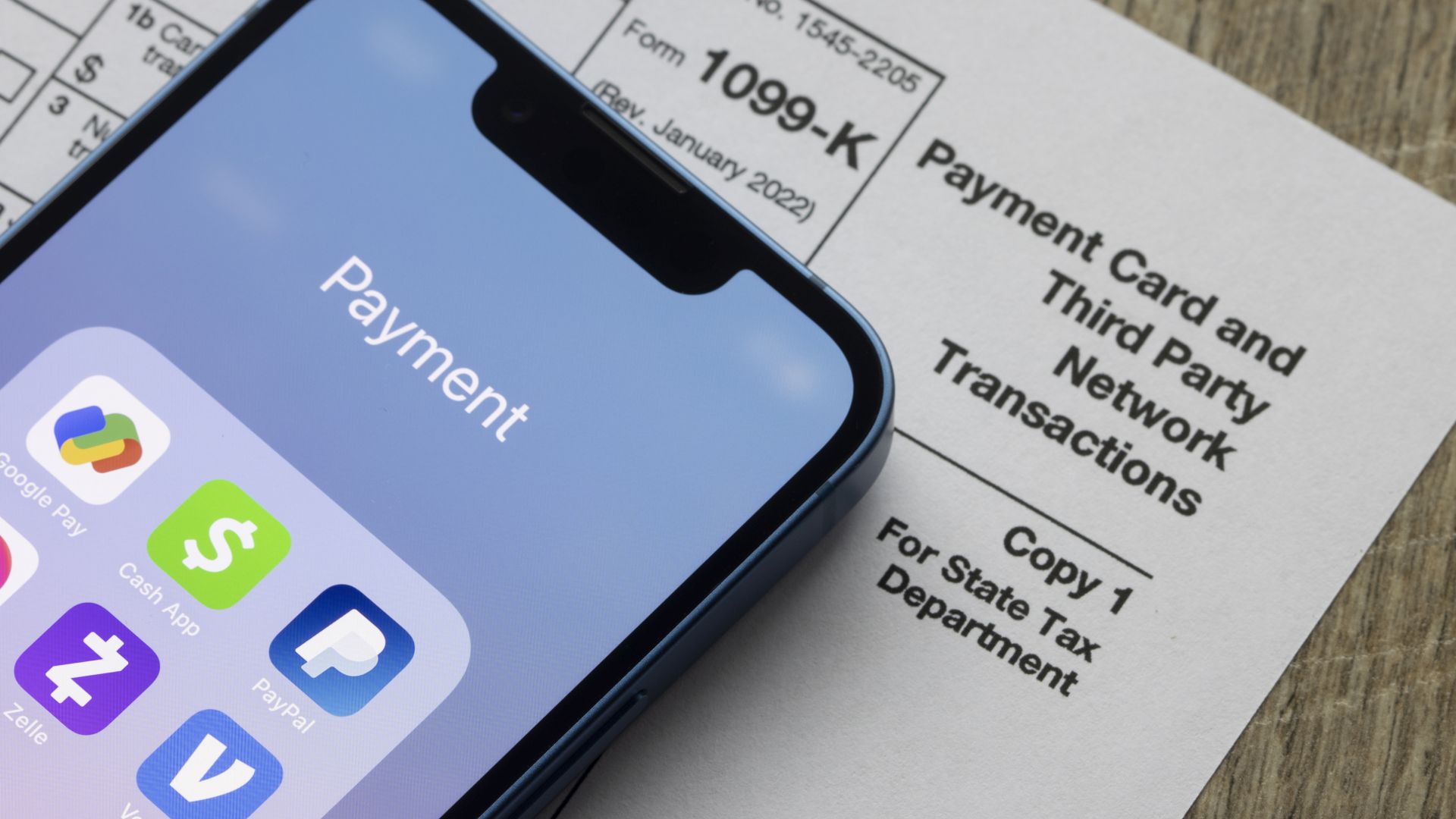
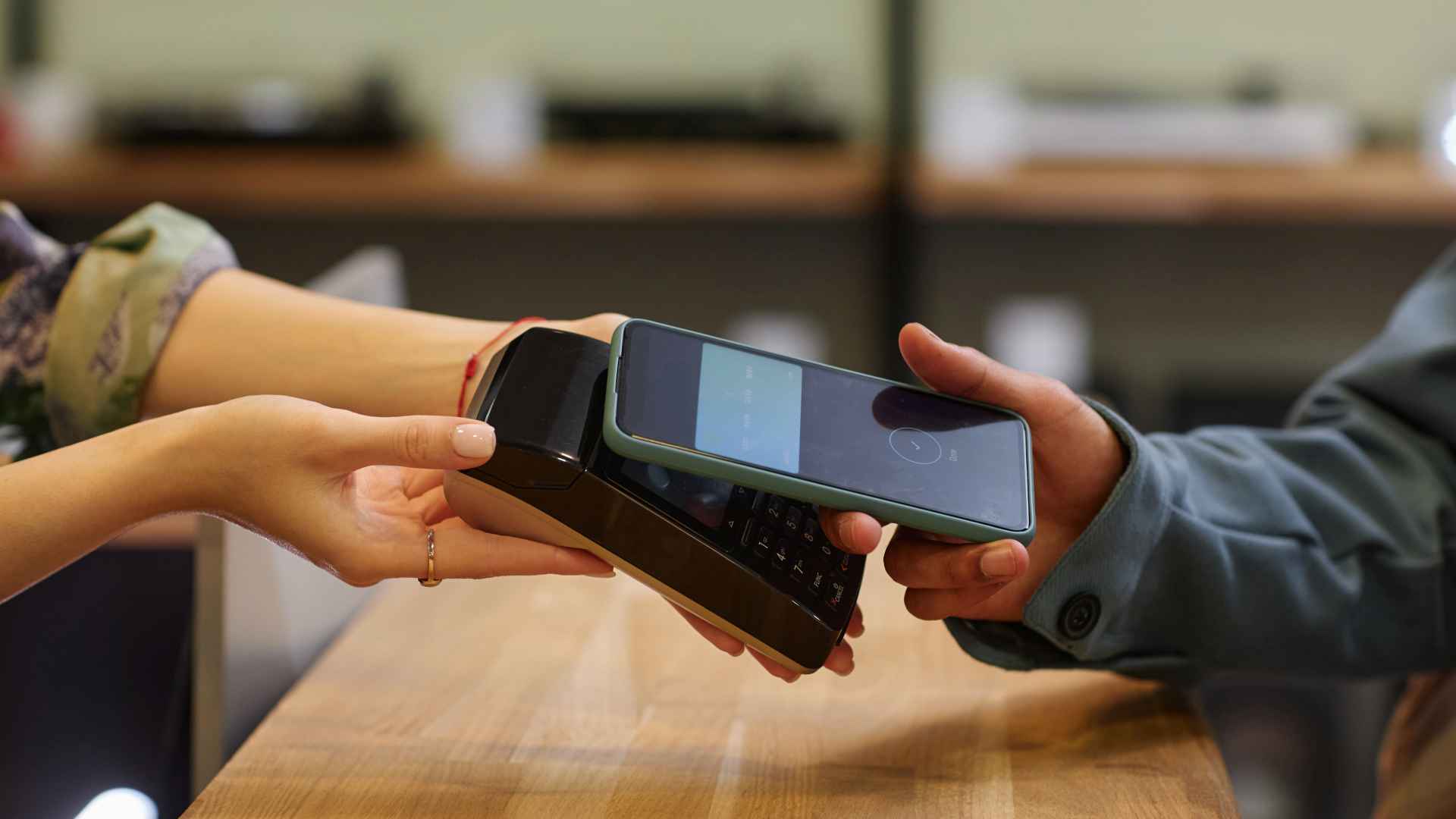
Now there are applications to deposit checks, transfer funds and manage budgets — all from the convenience and privacy of personal phones and computers. Using computers, smartphones, tablets and other devices, you can bank via an internet connection and still expect a high level of security. There are even online-only banks that provide on-the-go service and top-quality security for tech-minded customers.
On GOBankingRates, you’ll find articles and reports on developments in the technology field — and learn how they impact the banking industry — so you’ll always be ready for what’s next.






Please disable your adblocker to enjoy the optimal web experience and access the quality content you appreciate from GOBankingRates.