





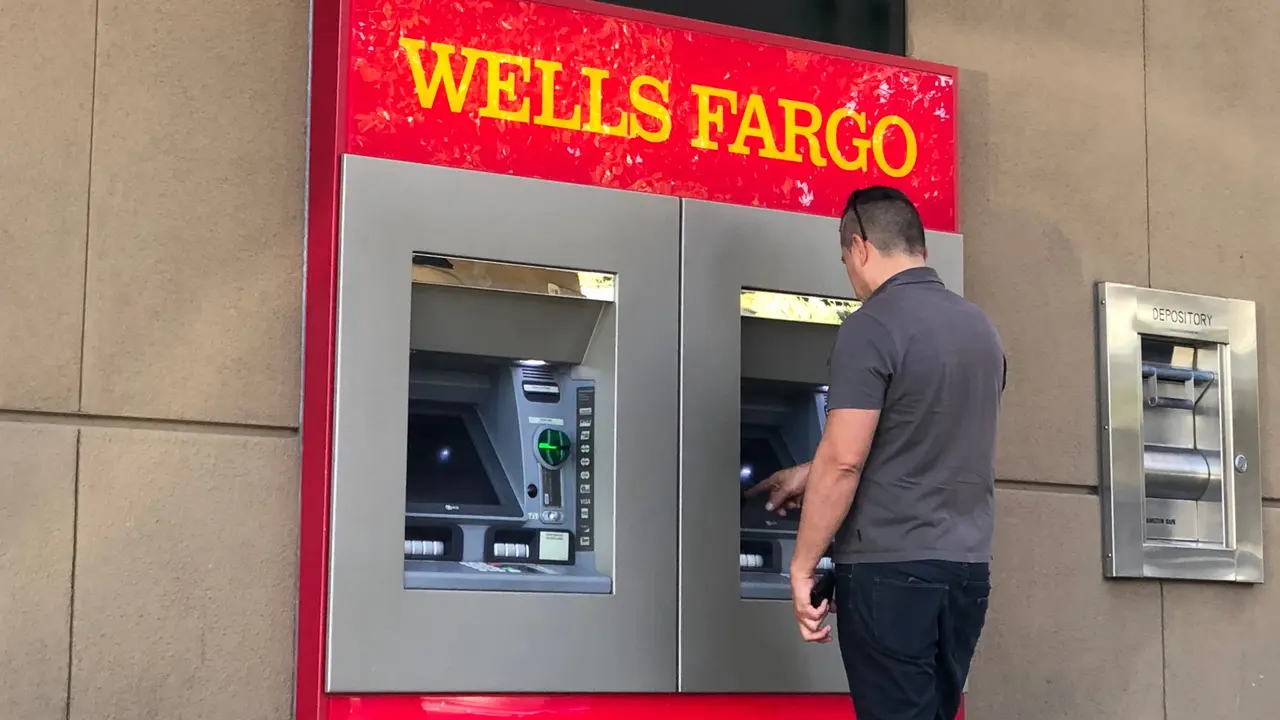


You can use a cardless ATM in different ways, but you always need a smartphone or physical debit card. Some cardless ATMs also use mobile banking apps to withdraw cash.
How Cardless ATMs Work
Depending on the ATM and your bank, you may use one of the following technologies to complete a withdrawal:
- Near-Field Communication: This is the same technology Apple Pay and other payment methods use. To access your money, use the bank app on your smartphone.
- Biometric Verification: Some banks use biometric verification like face ID to allow customers to withdraw cash at contactless ATMs.
- QR Code: Sometimes, you can use your bank app to set up the contactless withdrawal. The app will create a QR code that you scan at the ATM.
- Verification Code: Some cardless ATMs allow you to start the withdrawal on the bank app. After that, the app creates a one-time verification code you input at the ATM.
How To Find Cardless ATMs Near You
If you’re looking for a cardless ATM, start by checking your bank’s mobile app or website. Most banks provide an ATM locator tool that filters for contactless ATMs.
Additionally, check for the contactless tap symbol on ATMs. This symbol indicates that the ATM supports NFC transactions.
You can also Google the phrase “contactless ATMs near me” to pull up nearby locations quickly.
Banks That Offer Cardless ATM Withdrawals
Several major banks are now offering cardless ATM services:
If your bank isn’t listed, check with them to see if they offer cardless ATM access and how to enable it.
How To Use a Cardless ATM: Step-by-Step Guide
If your bank offers cardless ATM access, here’s how to complete a transaction:
- Open your banking app and log into your account.
- Select the cardless ATM option in the app.
- Verify your identity using biometrics, a PIN or a one-time security code.
- Initiate the transaction by scanning a QR code at the ATM or by tapping your phone.
- Collect your cash and receipt and confirm the transaction was processed.
Pros and Cons of Using a Cardless ATM
Cardless ATMs have several benefits and drawbacks:
Pros
- Carry fewer cards: With cardless ATMs, you don’t need to carry your debit card at all. This makes it easier to travel light while still having access to cash when needed.
- Extra security: Since there’s no physical card to swipe, you eliminate the risk of ATM skimming — a common scam where thieves install devices to steal card data.
- Cash as you need it: If you forget your debit card but still need cash, a cardless ATM ensures you are never stranded without access to funds.
Cons
- Must have a smartphone: Since cardless ATMs require a smartphone and a mobile banking app, you could run into issues if your phone dies or isn’t with you.
- Limited availability: Not all ATMs support cardless transactions so it might be harder to find one when you need it.
- Phone security risks: If someone gains access to your phone and banking app, they could initiate a withdrawal. Because of that, it might be necessary to implement additional security measures on your phone, which can be time intensive.
Are Cardless ATMs Safe?
Yes, cardless ATMs are designed with enhanced security measures to keep transactions safe.
- Each transaction generates a one-time verification code that expires after use.
- Without a card to skim, skimming devices are ineffective at these ATMs.
- Features like biometric login and multi-factor authentication add extra layers of protection.
To keep your financials safe, make sure you keep your banking apps up to date and enable two-factor authentication.
Bottom Line
Even though cardless ATMs are becoming more common, they aren’t as readily available as traditional ATMs. But if you bank with a provider that offers cardless ATMs, it’s worth checking the locations.
If there are cardless ATMs near you, you can leave your debit card at home and still have access to cash. It’s a nice perk that makes it easier to get money as you need it.
FAQ
Here are the answers to some commonly asked questions about cardless ATMs.- What banks offer cardless ATM withdrawals?
- You can find cardless ATMs at major banks such as:
- Chase
- PNC
- Wells Fargo
- Bank of America
- You can find cardless ATMs at major banks such as:
- How do I withdraw money from an ATM without a card?
- You can use your banking app or digital wallet to access your funds at an ATM. You will need to tap your phone on the ATM or provide a QR code or verification code.
- Are cardless ATM transactions free?
- Fees vary depending on your bank and if you use an in-network ATM.
- Can I use Apple Pay or Google Pay at an ATM?
- Yes, many cardless ATMs accept mobile wallets like Apple Pay and Google Pay.
- What should I do if my cardless ATM transaction fails?
- If your transaction fails, check your mobile app for errors. Make sure you are using the right QR code and contact your bank if needed.