Can You Still Get Your Tax Refund as a Paper Check?
 Written by
Jordan Rosenfeld
Written by
Jordan Rosenfeld
 Edited by
Molly Sullivan
Edited by
Molly Sullivan
Commitment to Our Readers
GOBankingRates' editorial team is committed to bringing you unbiased reviews and information. We use data-driven methodologies to evaluate financial products and services - our reviews and ratings are not influenced by advertisers. You can read more about our editorial guidelines and our products and services review methodology.

20 Years
Helping You Live Richer

Reviewed
by Experts

Trusted by
Millions of Readers
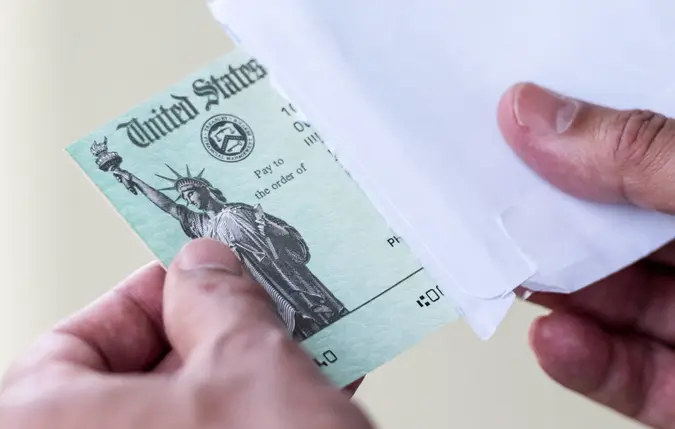
In an increasingly digital world, there’s something reassuring about getting a paper tax refund check. It feels tangible and final in a way that digital balances sometimes do not. For people without direct deposit set up, those between banks or wary of sharing account details, paper checks have long felt like the safer option.
That option, however, is going away.
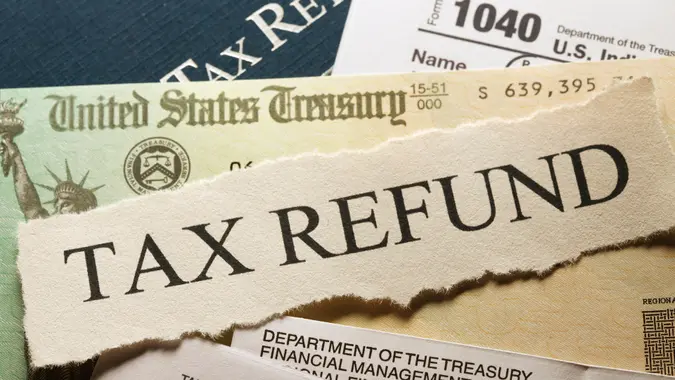
The Internal Revenue Service announced in late 2025 that it is phasing out paper refund checks, with most paper payments ending after Sept. 30, 2025. The shift is part of a broader effort to reduce fraud, delays and administrative costs.
Read more to find out whether you can still get your tax refund as a paper check.
Why the IRS Is Moving Away From Paper Checks
According to the IRS, paper checks are more than 16 times more likely to be lost, stolen, altered or delayed over electronic payments. When a check is returned as undeliverable, the refund has to be reissued, often adding weeks or months to the process.
Timing is another factor. Electronic refunds are typically issued within 21 days for taxpayers who file electronically, while paper checks can take six weeks or longer, especially during peak filing season.
In short, paper checks create more problems for both taxpayers and the agency.
What This Means for You
You can still file your tax return the same way you always have, whether you use tax software, a preparer or file on your own. What’s changing is how refunds are delivered.
If you already use direct deposit, nothing changes. Your refund will continue to go straight into your bank account.
If you do not have a bank account, the IRS plans to offer alternatives such as prepaid debit cards or approved digital wallet options. These methods allow refunds to be delivered electronically without requiring a traditional checking account.
The IRS is also urging taxpayers to double-check their banking information before filing. Incorrect routing or account numbers are one of the most common causes of refund delays.
There Are Some Exceptions
Limited exceptions may still apply for getting a paper check where no other electronic payment option is feasible. This could include situations where someone truly cannot access electronic banking or other approved electronic methods. In those cases, the IRS may still issue a paper check, even after the phase-out date but these will be rare cases.
Also, given that this is a phase-out policy, not a strict “one-day” shutdown, some people may still receive a paper check, however it’s a good idea not to expect one. If you file your return without any direct deposit information, the IRS is more likely to pause your refund and request bank account details.
What Taxpayers Should Do Now
To avoid problems once paper checks are fully phased out, taxpayers can take a few simple steps:
- Confirm that your bank account information is current and accurate
- Consider opening a free or low-cost checking account if you do not already have one
- Explore alternatives such as prepaid debit cards if traditional banking is not an option
Resources such as FDIC-backed “GetBanked” programs and MyCreditUnion.gov can help taxpayers find low-cost or no-fee accounts.
Planning ahead now can help ensure you get your refund faster and without unnecessary delays.
More From GOBankingRates